Clock sync · multi-PC recording
When a camera, a force platform and a motion-capture system each run on their own PC, their data only lines up if their clocks do. BlinkPose.Time keeps every PC's clock in step with one central PC, and checks every few seconds how far each one really is from it, to a fraction of a millisecond.
central · clients · offset ± ms · Windows Time · log
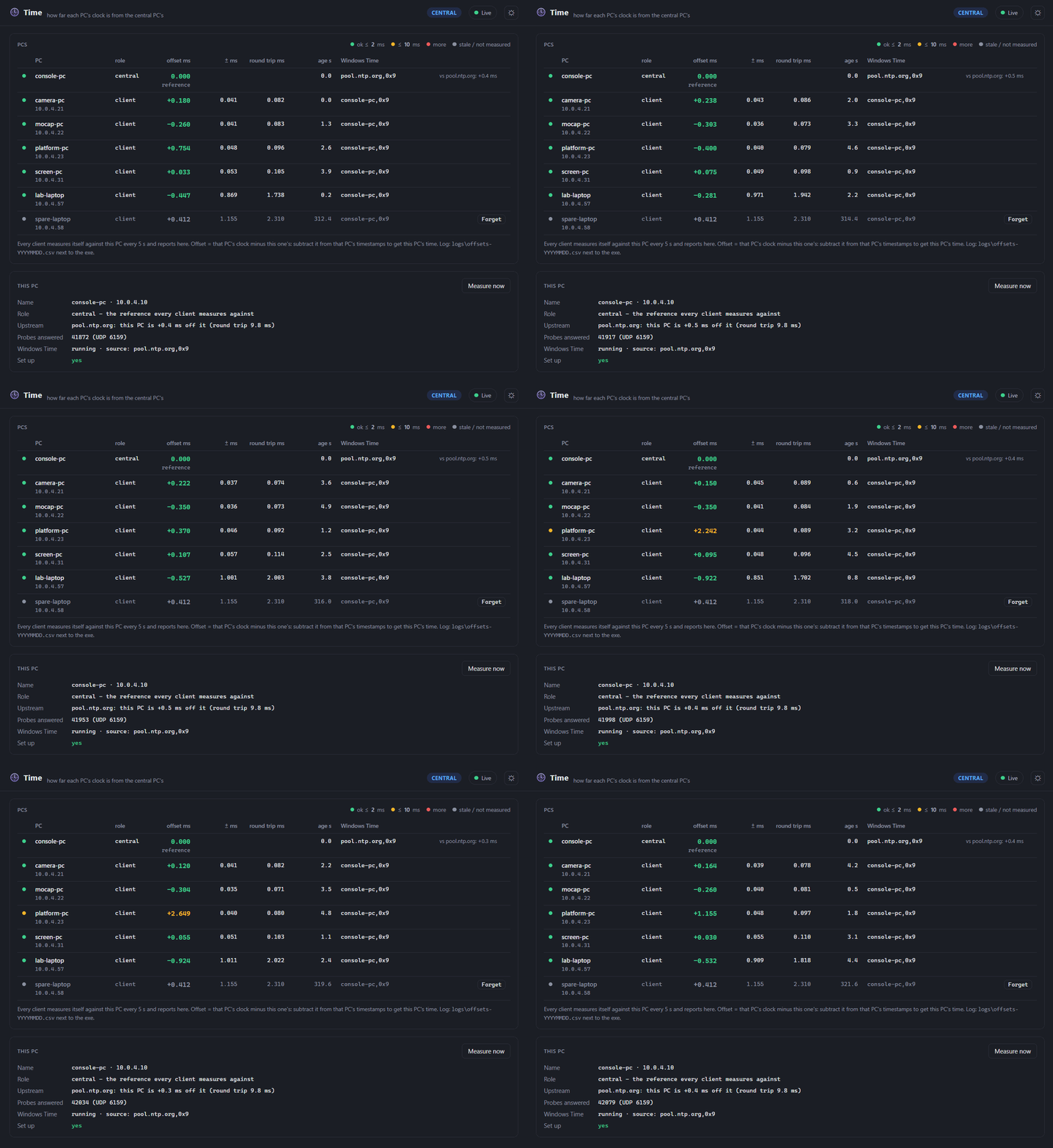
Time dashboard — the central PC's view of a lab. Five clients sit within a tenth of a millisecond or so, the Wi-Fi laptop within one; one PC drifts past the 2 ms mark and is pulled back, and a laptop that has gone quiet is greyed out.
What it does
One small program on every PC. One of them is the central PC; the others follow it.
Every PC syncs from the central PC through Windows' own time service. What matters for your data is that they agree, with or without internet.
One command per PC configures Windows Time for its role, and opens the firewall on the central PC.
Every few seconds each PC times a burst of packets against the central PC and keeps the cleanest one, the way NTP does.
Each PC's offset in milliseconds, with how far it can be off. Green, amber or red against your limits.
Every measurement goes into a daily log, so a recording from a PC that drifted can still be lined up afterwards.
The same table goes out as JSON over TCP and Server-Sent Events, like every other module.
Inside the dashboard
The central PC's page lists every PC that has reported. Each client's own page shows just that PC, with a link to the central one.
Why it's different
Every BlinkPose module already stamps its data with its PC's clock. Time does not change them: it makes sure those clocks agree, and tells you by how much they do. One program per PC covers every module on it.